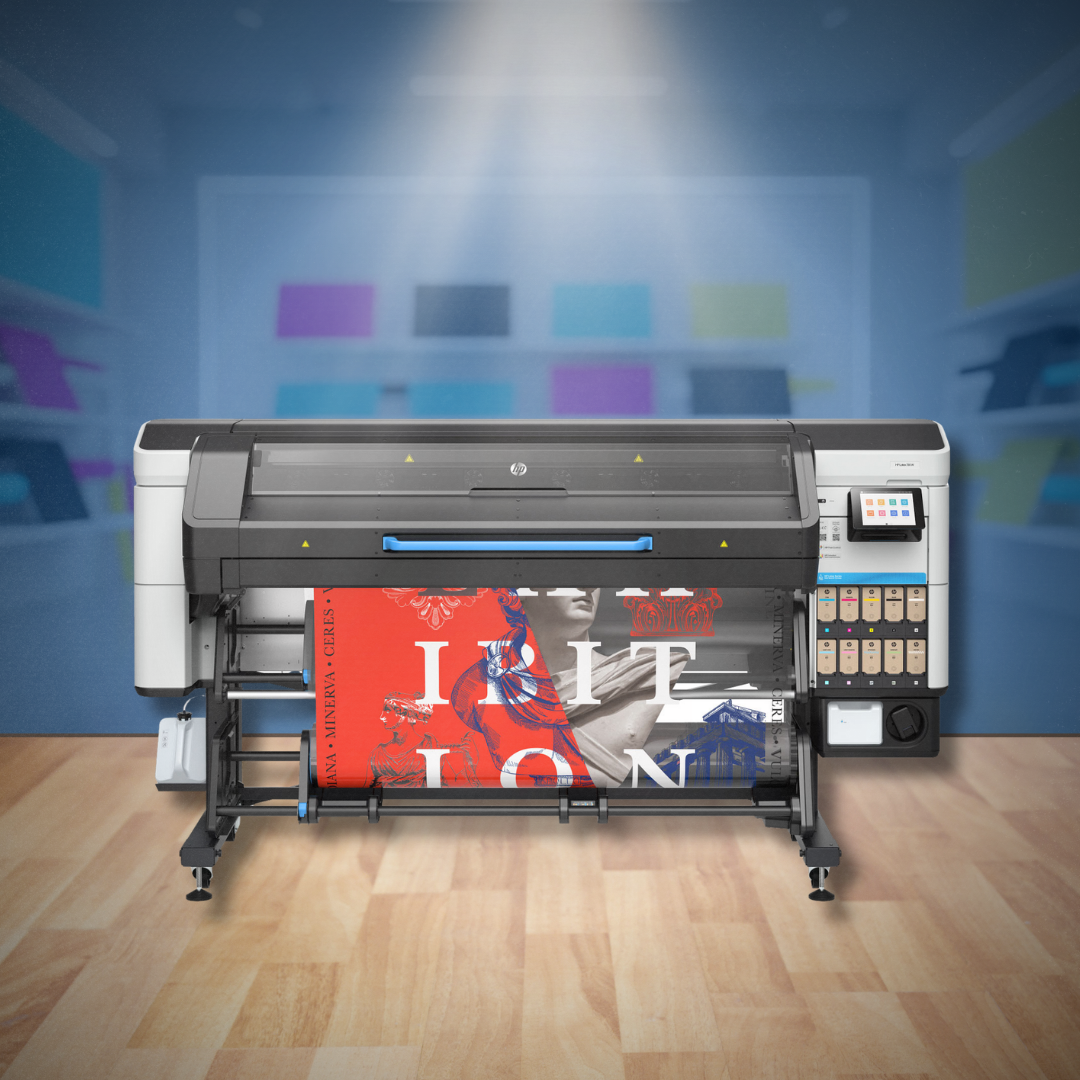
Understanding how to choose the right CAD and wide-format printers is essential for improving productivity and ensuring consistent output quality.
Selecting the right printing equipment isn’t just about features or speed—it’s about how the system fits into your workflow. CAD and graphics environments have very different requirements, and choosing the wrong solution can lead to inefficiencies, reprints, and unnecessary costs.
Table of Contents
Matching Equipment to Real-World Needs
When evaluating printing equipment, it’s important to focus on how your team actually works day to day.
A solution that works well for one department may not be ideal for another. Matching equipment to your workflow helps reduce errors, improve efficiency, and support long-term performance.
Understanding CAD vs. Graphics Workflows
CAD-focused teams typically prioritize:
- Precise line accuracy
- Consistent scaling
- Reliable monochrome or technical color output
Graphics and marketing teams often focus on:
- High color accuracy
- Media flexibility
- Visual impact and presentation quality
Understanding these differences is the first step in selecting the right CAD and wide-format printers for graphics applications.
Common Mistakes When Choosing Printing Equipment
Choosing the wrong printing equipment can lead to inefficiencies and higher long-term costs. Some of the most common mistakes include:
- Selecting equipment based on price alone
- Underestimating print volume needs
- Ignoring long-term maintenance costs
- Choosing a system without proper support
- Overlooking media compatibility
Avoiding these mistakes can help ensure your investment supports your business for years to come.
Key Factors to Evaluate
When choosing printing equipment, consider the following:
- Print volume and frequency
- Media types and sizes
- Output quality requirements
- Space and installation needs
- Long-term operating and maintenance costs
Balancing these factors ensures your CAD and wide-format printers support both current and future needs.
Comparing Entry-Level vs Production Printers
Not all wide-format printers are designed for the same workload. Choosing between entry-level and production-level equipment depends on how your team uses the device.
Entry-level printers are ideal for:
- Lower print volumes
- Occasional use
- Smaller teams
Production printers are better suited for:
- High-volume printing environments
- Multiple users
- Faster turnaround times
- More demanding workflows
Selecting the right class of equipment ensures you avoid overpaying for features you don’t need—or underbuying and limiting productivity.
The Importance of Installation and Training
Even the best printer won’t perform as expected without proper setup.
Professional installation ensures correct configuration, while user training helps teams:
- Work more efficiently
- Avoid common printing errors
- Maximize equipment performance
Why the Right Equipment Impacts Productivity
The right CAD and wide-format printers don’t just produce prints—they improve workflow efficiency.
When properly matched to your needs, the right system can:
- Reduce reprints and errors
- Improve turnaround time
- Support team collaboration
- Deliver consistent output quality
Over time, these improvements can significantly impact productivity and overall operational costs.
Support Is Part of the Investment
Ongoing service and support play a major role in the total cost of ownership.
Working with an experienced provider ensures you have access to:
- Technical expertise
- Replacement parts
- Ongoing maintenance support
At Bay Reprographic Supply, we help customers choose the right CAD and wide-format printers for their workflows while providing the support needed for long-term success.
Choosing the right CAD and wide-format printers is a critical decision that affects productivity, print quality, and long-term costs. By evaluating your workflow, output requirements, and support needs, you can select equipment that delivers reliable performance and lasting value.
Frequently Asked Questions
What is the best printer for CAD drawings?
CAD printers are designed for precision, accuracy, and consistent line quality, making them ideal for architecture, engineering, and construction workflows.
What is the difference between CAD and graphics printers?
CAD printers focus on technical accuracy, while graphics printers prioritize color quality, media versatility, and visual output.What should I consider when buying a wide-format printer?
Key factors include print volume, media types, output quality, space requirements, and long-term maintenance costs.