
Table of Contents
Businesses that rely on consistent printing operations know that even a small printer issue can create major delays. Whether it is a jammed machine, poor print quality, unexpected breakdowns, or missed deadlines, printer problems can quickly affect productivity and operating costs. That is why having a structured printer maintenance program is essential for companies that depend on reliable printing performance every day.
A strong maintenance plan helps reduce downtime, extend equipment life, improve print quality, and prevent expensive emergency repairs. For businesses using wide-format printers, production printers, or office printing equipment, a proactive approach can keep operations running efficiently.
Here is how to set up a practical printer maintenance program for your business.
Understand Your Printing Equipment and Usage
The first step in building an effective printer maintenance program is understanding what equipment your business uses and how heavily it operates.
Not all printers require the same level of care. Large-format printers, plotters, commercial printing equipment, and office printers all have different maintenance needs.
Start by identifying:
- Printer models and types
- Average daily or weekly print volume
- Critical parts that wear over time
- Manufacturer recommendations
- Common recurring issues
Businesses with high print demands usually need more frequent servicing. Tracking usage can help determine which machines require priority attention.
If your company uses multiple printers or specialty equipment, working with a provider like Bay Plotter can help simplify maintenance planning and support.
Create a Preventive Maintenance Schedule
Waiting until a printer fails often leads to higher repair costs and lost productivity. Preventive maintenance helps catch small issues before they become major disruptions.
A structured schedule should include daily, weekly, monthly, and quarterly checks.
Daily Maintenance Tasks
Daily inspections can prevent immediate operational issues.
This may include:
- Checking for paper jams
- Inspecting print quality
- Cleaning visible dust or debris
- Monitoring ink or toner levels
- Reviewing error messages
These quick checks reduce avoidable interruptions.
Weekly Maintenance Tasks
Weekly maintenance can focus on deeper inspections such as:
- Cleaning rollers
- Wiping print heads when required
- Checking alignment
- Inspecting feed trays
- Reviewing supply levels
These routine steps support better print consistency.
Monthly or Quarterly Maintenance
This is where professional servicing often becomes important.
Monthly or quarterly maintenance may include:
- Internal hardware inspection
- Lubrication of moving components
- Calibration checks
- Firmware updates
- Deep cleaning
- Part wear assessment
Many businesses use professional printer maintenance programs to keep these tasks consistent and documented.
Assign Ownership and Responsibility
A maintenance program only works when someone is responsible for following it.
Assign team members to handle routine checks and reporting. This does not mean they need technical repair knowledge, but they should know how to monitor equipment condition.
Responsibilities may include:
- Logging maintenance dates
- Tracking recurring issues
- Reporting performance concerns
- Monitoring supply replacements
- Escalating service needs
When accountability is clear, maintenance is less likely to be ignored.
Keep Detailed Maintenance Records
Tracking printer performance is one of the most valuable parts of a maintenance program.
A maintenance log can help businesses identify recurring problems, equipment wear patterns, and cost trends.
Document:
- Service dates
- Repairs completed
- Part replacements
- Print quality issues
- Error codes
- Downtime duration
- Supply usage
This data supports smarter repair decisions and can highlight when replacement may be more cost-effective than ongoing repairs.
Detailed tracking also improves communication when working with service providers.
Train Staff on Proper Printer Use
Many printer issues come from avoidable misuse rather than equipment failure.
Staff training is a simple but important part of printer maintenance.
Employees should understand:
- Proper loading procedures
- Correct media handling
- Approved paper or material types
- Safe shutdown processes
- Cleaning basics
- What warning signs to report
Even small habits, like overloading trays or using incompatible materials, can shorten equipment life.
For businesses installing new printing systems, professional printer installation services can help ensure employees are trained correctly from the start.
Monitor Supplies and Replacement Parts
A good maintenance program includes inventory planning.
Running out of toner, ink, rollers, or replacement parts can lead to unnecessary downtime.
Businesses should track:
- Ink or toner levels
- Maintenance kits
- Print heads
- Feed rollers
- Cleaning materials
- Spare parts
Keeping essential supplies available helps prevent production interruptions.
This is especially important for businesses handling time-sensitive printing demands.
Know When Repairs Need Professional Support
Routine maintenance can prevent many issues, but some problems require trained technicians.
Signs that professional service may be needed include:
- Persistent print quality issues
- Frequent paper jams
- Mechanical noise
- Connectivity failures
- Slow print output
- Repeated calibration problems
- Error codes that do not clear
Ignoring these warning signs can lead to bigger failures and higher repair costs.
Partnering with experts that offer printer repair services can help businesses resolve issues quickly before productivity is affected.
Review and Improve Your Maintenance Program
A printer maintenance strategy should not stay static.
As print volume changes, equipment ages, or business demands grow, maintenance needs may shift.
Review the program regularly by asking:
- Are breakdowns decreasing?
- Are repair costs improving?
- Is downtime lower?
- Are staff following procedures?
- Are printers performing efficiently?
If certain machines require frequent repairs, upgrading equipment or increasing maintenance frequency may be necessary.
Continuous improvement helps businesses protect their investment.
Why Printer Maintenance Matters for Long-Term Efficiency
A reliable printer maintenance program is not just about fixing problems. It is about preventing them.
Businesses that invest in structured maintenance can reduce downtime, improve output quality, extend equipment life, and create more predictable operating costs.
For companies that rely on consistent printing operations, maintenance directly supports productivity and efficiency.
With the right schedule, staff training, tracking process, and expert support, businesses can avoid unexpected disruptions and keep equipment running at its best.
For long-term printer reliability, businesses can work with Bay Plotter to build proactive maintenance strategies that support better performance and reduced operational risk.
Frequently Asked Questions
How often should businesses perform printer maintenance?
The frequency of printer maintenance depends on printer type, print volume, and manufacturer recommendations. Businesses with high daily printing demands may need daily inspections, weekly cleanings, and scheduled monthly or quarterly servicing to keep equipment running efficiently. Businesses looking for long-term support often use professional printer maintenance programs to stay proactive.
What are the benefits of a printer maintenance program?
A structured printer maintenance program helps reduce downtime, improve print quality, extend equipment life, lower repair costs, and improve overall operational efficiency. Preventive maintenance can also help businesses avoid unexpected disruptions.
What should be included in a printer maintenance checklist?
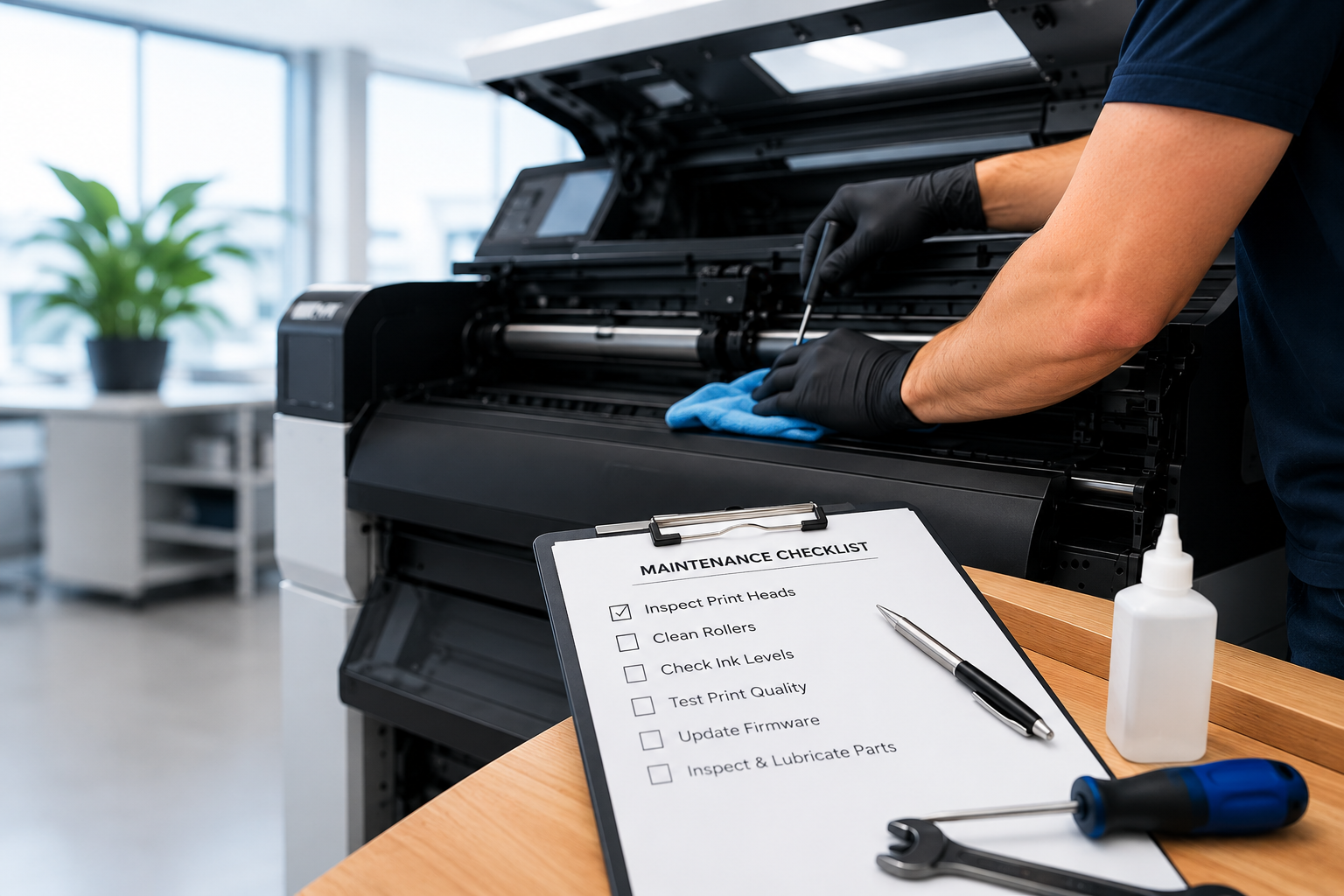
A printer maintenance checklist may include cleaning rollers, checking print heads, monitoring toner or ink levels, inspecting for paper jams, updating firmware, reviewing error messages, and scheduling professional servicing when needed.
Can employees handle printer maintenance?
Employees can manage basic printer maintenance tasks such as cleaning visible dust, checking supplies, loading materials properly, and reporting issues. However, deeper servicing, repairs, and technical inspections should usually be handled by trained professionals. Businesses working with Bay Plotter can also receive guidance on preventive support and equipment care.
When should a business call for printer repair services?
Businesses should consider professional support if they notice repeated paper jams, poor print quality, unusual noises, slow print output, connectivity problems, or recurring error codes. Early repairs can prevent larger equipment failures. Fast access to printer repair services can help reduce downtime and avoid larger disruptions.
Does printer maintenance help extend printer lifespan?
Yes. Consistent printer maintenance helps reduce wear and tear, keeps internal components functioning properly, and can significantly extend the lifespan of business printing equipment. For businesses installing new systems, proper setup and training through printer installation services can also improve long-term equipment performance.